

Welcome to Babarpc, your trusted website where we share information about the latest PC software, Windows tools, and useful programs in simple and easy language. Our aim is to give you a clear understanding of any software before using it. In today’s article, we’ll discuss WinScan2PDF in detail—its overview, features, performance, and important information that can be helpful to every PC user.
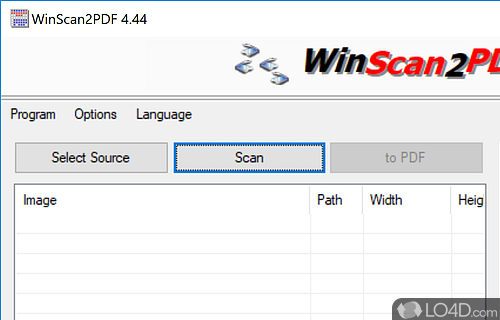
WinScan2PDF 9.51 Free Download Latest Version
WinScan2PDF is a lightweight and simple utility designed to scan documents and convert them directly to PDF format. Usually, when we scan a document using a scanner, it is saved in an image format like JPG or PNG. But managing, combining, or sharing image files professionally is a bit difficult. This is where WinScan2PDF comes into play. This software easily converts scanned pages into an organized PDF file.
PDF format is widely used worldwide because it is considered a secure, compact, and professional format. Students use PDF for their assignments, offices use it for official documents, and home users use PDF for personal records. The main focus of WinScan2PDF is simplicity. It doesn’t have complicated settings or heavy features. The user simply selects a scanner, scans the document, and the software saves it as a PDF.
A special feature of this software is that it is portable, meaning you can run it without installing it. This feature is helpful for users who want to keep their system lightweight or want to use the software from a USB drive. It is very small in size and doesn’t use much system resources.
Overall, WinScan2PDF is the best option for those who want to convert documents to PDF in a simple and fast way without any complex software.
Features of WinScan2PDF
WinScan2PDF is popular for its simplicity and efficiency. Some of its key features include:
- Simple and clean interface
- Direct scan to PDF conversion
- Portable software (no installation required)
- Lightweight and small file size
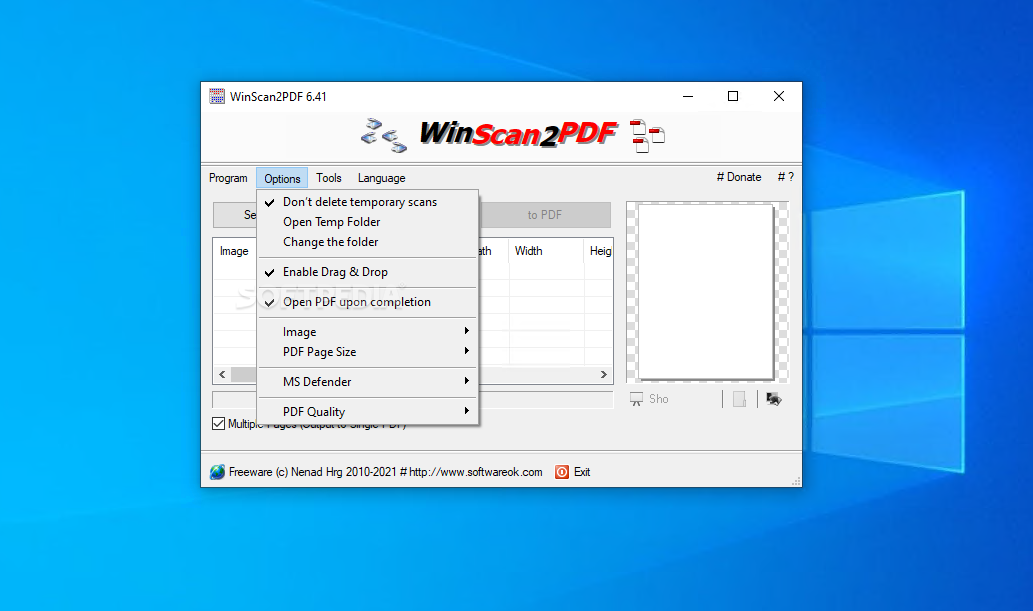
- Option to combine multiple pages into a single PDF
- Low system requirements
- Fast scanning process
- Easy for beginners and home users
User Interface and Performance
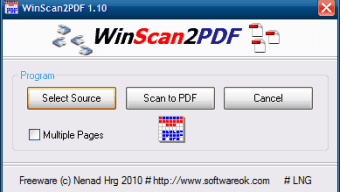
WinScan2PDF’s interface is very straightforward. When you open the software, there are no unnecessary buttons or complex menus. There are only basic options, such as selecting a scanner and starting a scan. Due to this simplicity, even beginners can use it without any training.
Performance-wise, this software is lightweight and runs smoothly. It doesn’t use much CPU or RAM, making it easy to work on both old and new systems. The scanning and PDF creation process is also fast.
Safety and Important Considerations:
Always download software from a trusted source and run an antivirus scan before installing. It’s a good practice to save important documents in a safe location and back them up.
If documents are sensitive, it’s best to save them as password-protected PDFs.
Conclusion:
WinScan2PDF is a simple, lightweight, and practical tool that scans and converts documents to PDF format. Its clean design, portable nature, and fast performance make it useful software for students, office workers, and home users alike.

Thank you for visiting Babarpc. Stay connected with us for more useful software articles, reviews, and helpful PC guides.